Notes on cut files that work
Tutorials and explainers about SVG files, plotters, laser cutting and CNC. For quick fixes, see cutting problems.

Before You Sell an SVG: A Cut File Checklist for Etsy and Marketplaces
Validate, check path counts and sizes, ship the right formats, name layers and test-cut: a pre-listing checklist that keeps cut file buyers happy.
Read article →
Weld, Attach, Slice, Flatten: What Each Design Space Tool Does to Your Cut
Weld, Attach, Group, Flatten, Slice and the Combine tools in Cricut Design Space, shown on real letter shapes: what happens to the cut paths and when to use each.
Read article →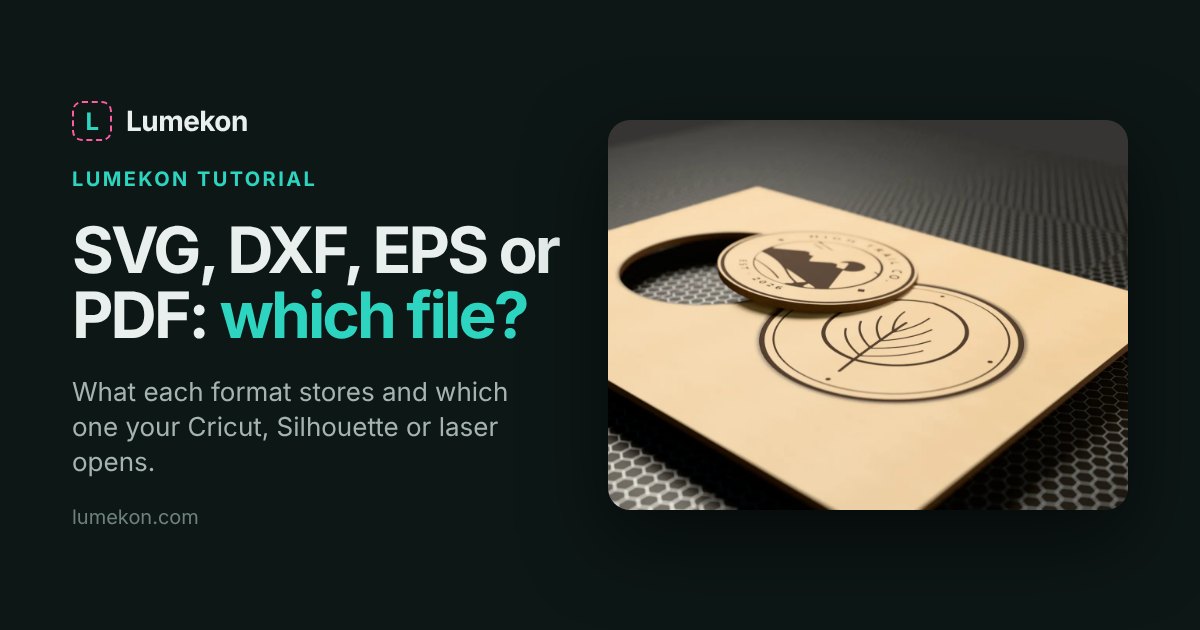
SVG, DXF, EPS or PDF: Which File Format for Cricut, Silhouette and Laser
What SVG, DXF, EPS, PDF and PNG actually store, which one each cutting program opens, and which file from a design bundle to use for your machine.
Read article →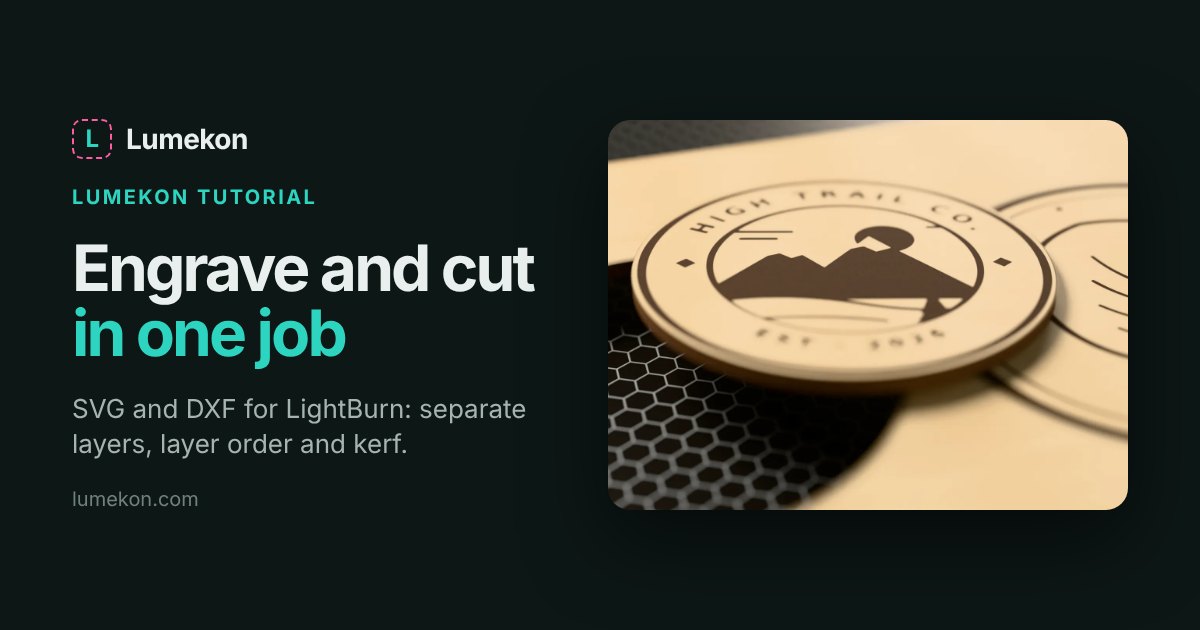
Laser Engrave and Cut in One Job: Preparing SVG and DXF for LightBurn
Prepare an SVG or DXF for engraving and cutting in LightBurn: separate engrave and cut layers, layer order, kerf compensation and test cuts.
Read article →
Layered Vinyl Decals: How to Split a Design into Colour Layers
Separate an image into vinyl colour layers that line up: which colours to keep, how much the layers should overlap, and the hinge method for applying them.
Read article →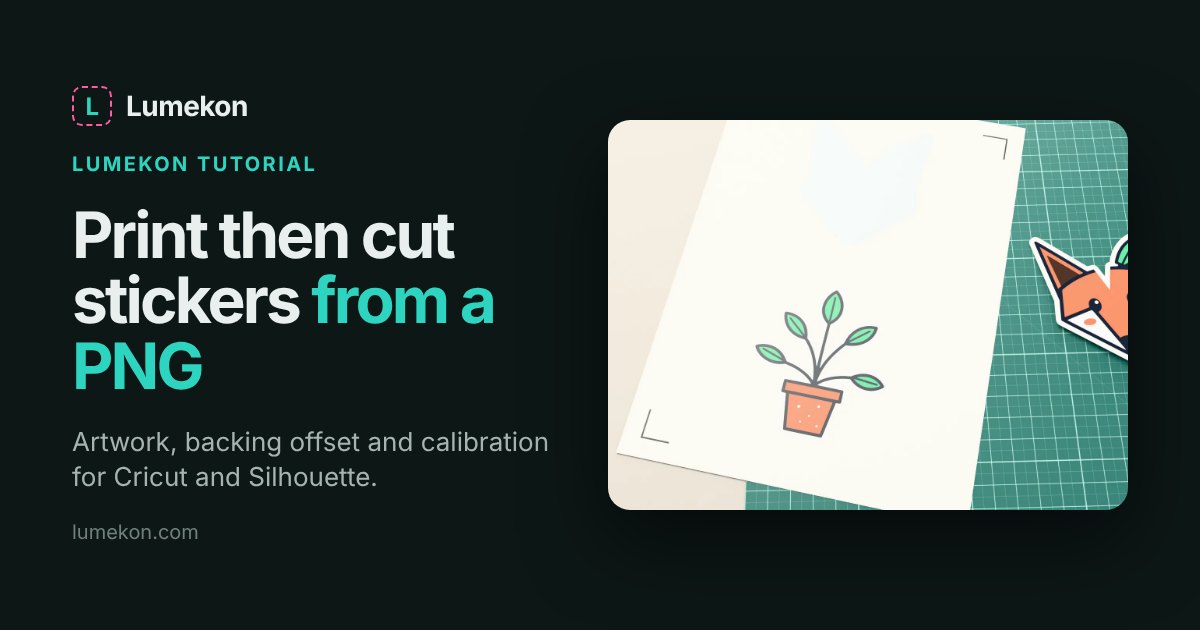
Print Then Cut Stickers from a PNG: Cricut and Silhouette Guide
Turn a PNG into print-then-cut stickers with a clean white border: artwork and backing files, Flatten in Design Space, printer settings and calibration.
Read article →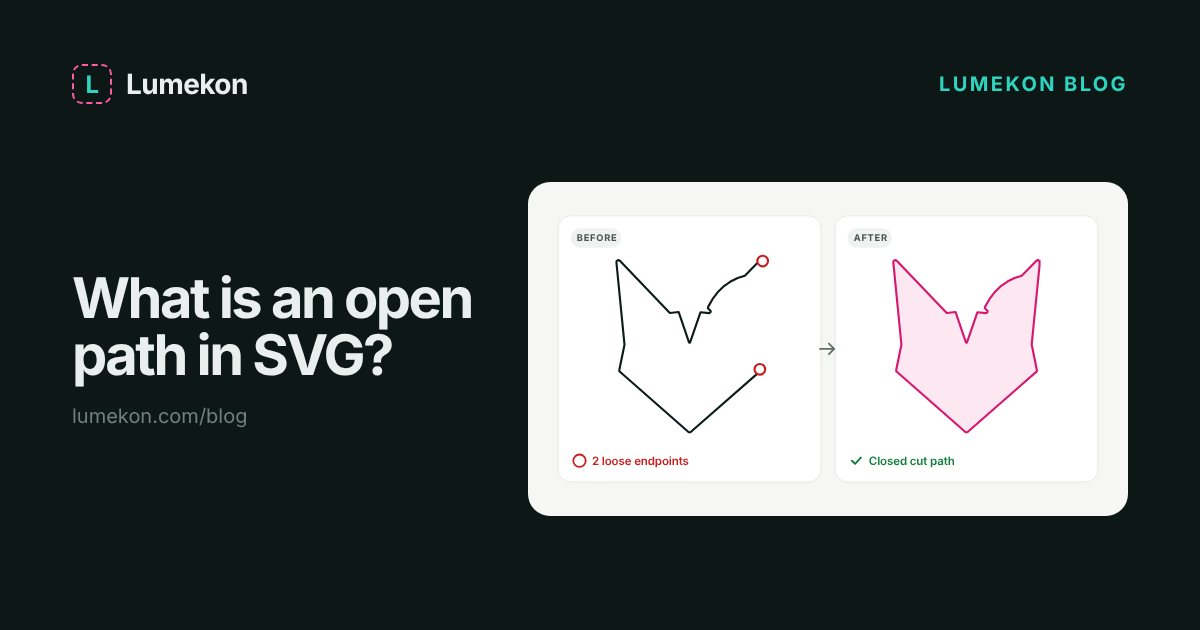
What Is an Open Path in SVG (And Why Your Laser Won't Cut It)
Open paths break laser and CNC cuts. Learn what causes them and how to fix SVG files with open paths for clean cutting results.
Read article →Free files from the gallery
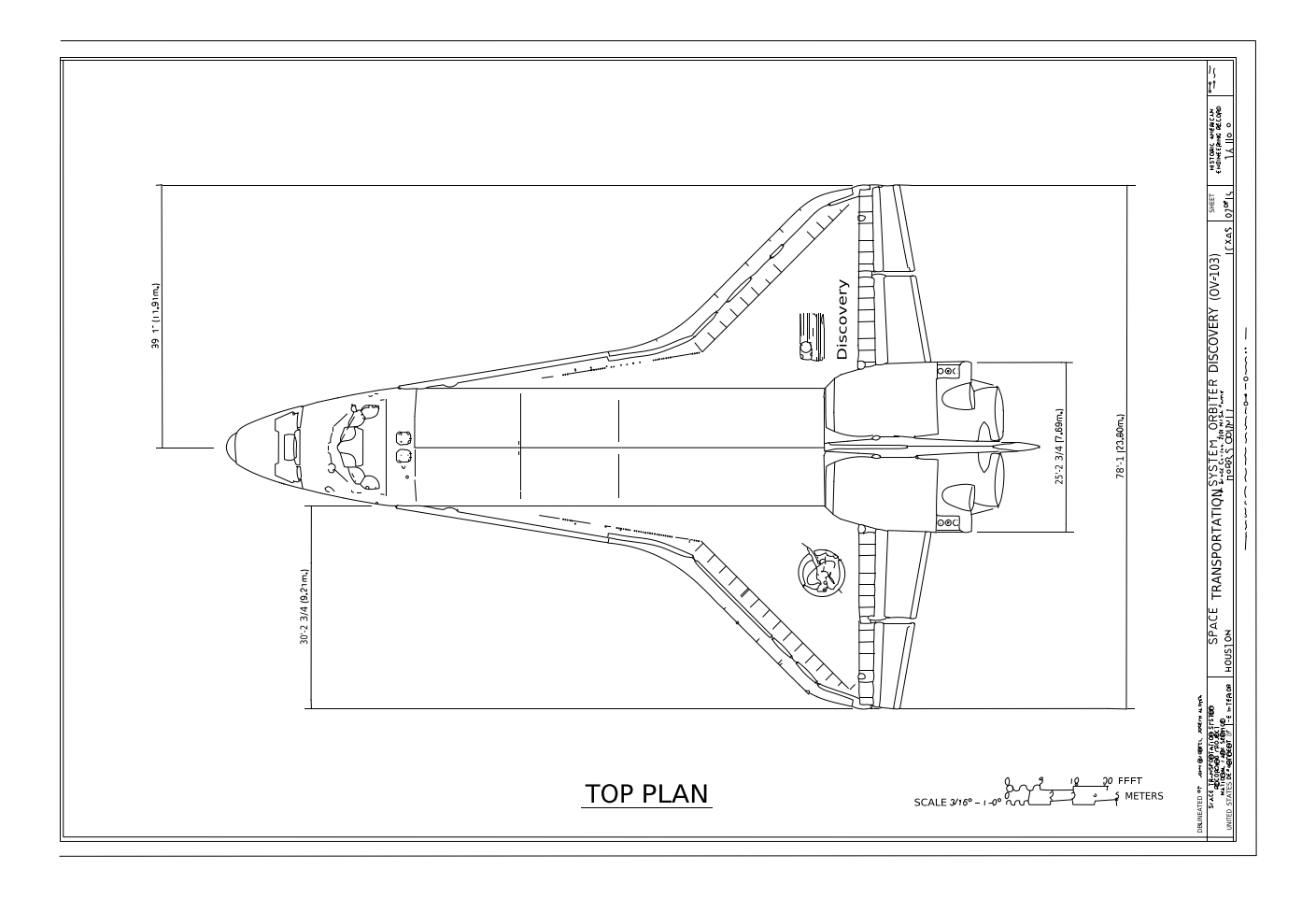 Space Shuttle orbiter Discovery: top plan (HAER)
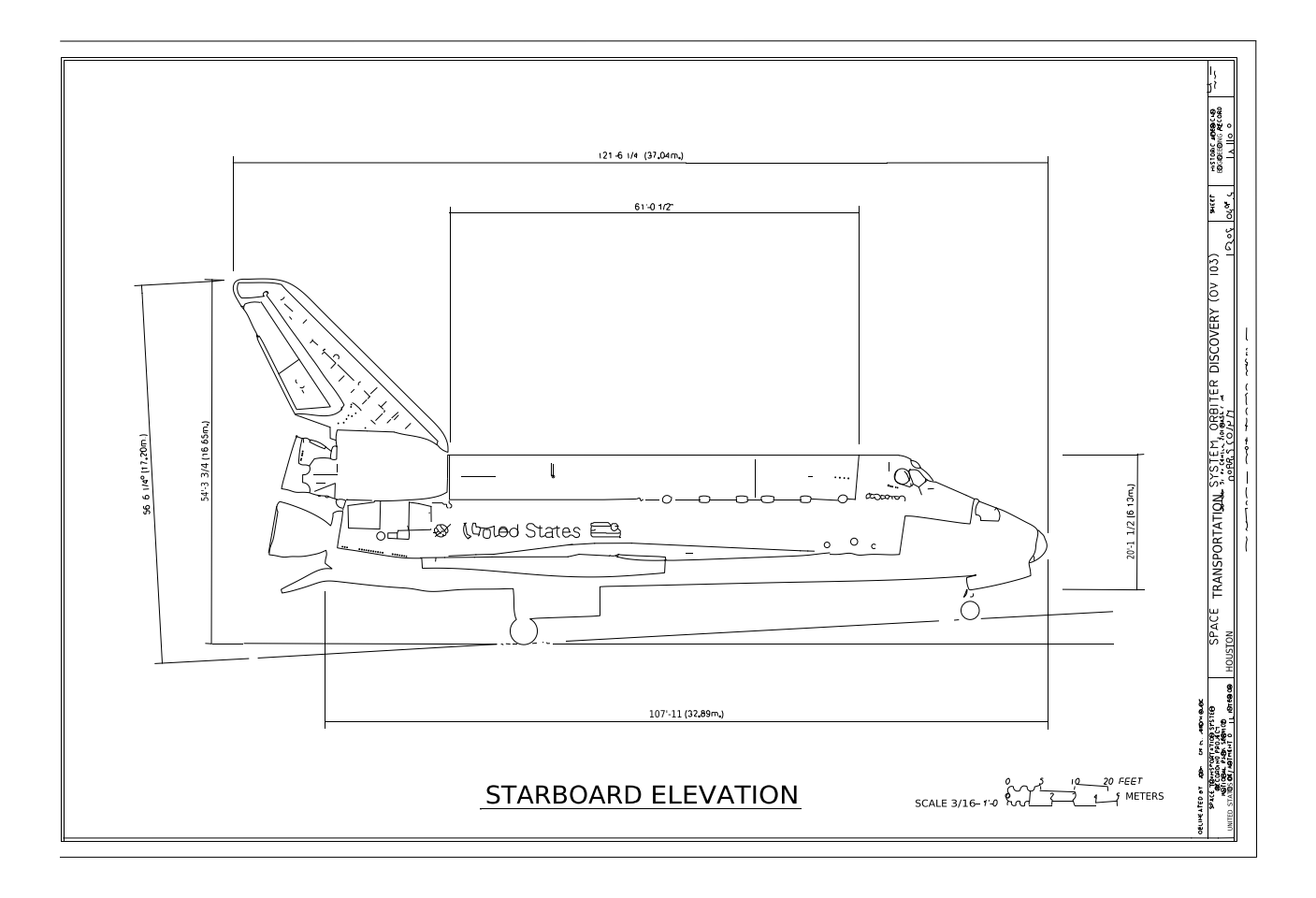 Space Shuttle orbiter Discovery: starboard elevation (HAER)
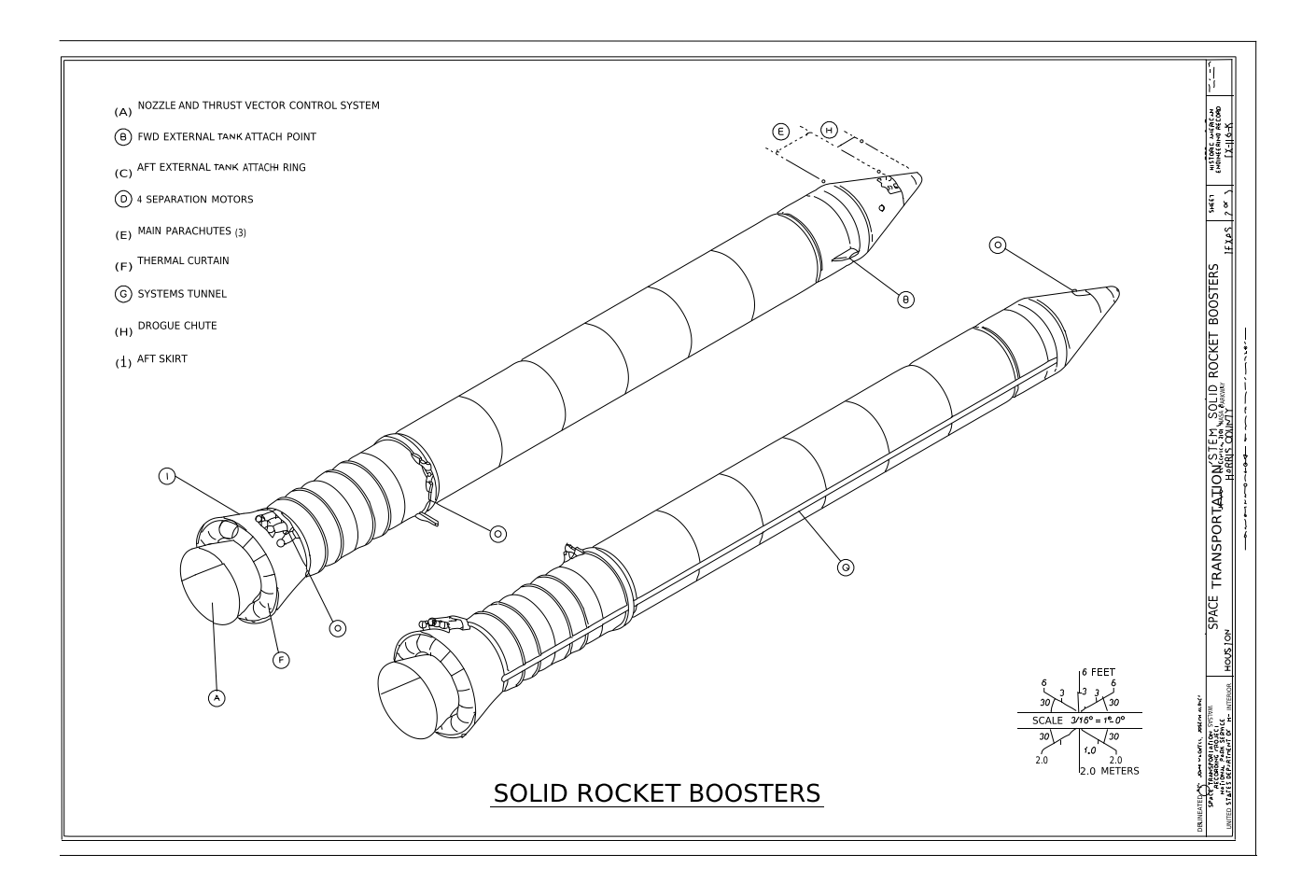 Space Shuttle solid rocket boosters isometric (HAER)
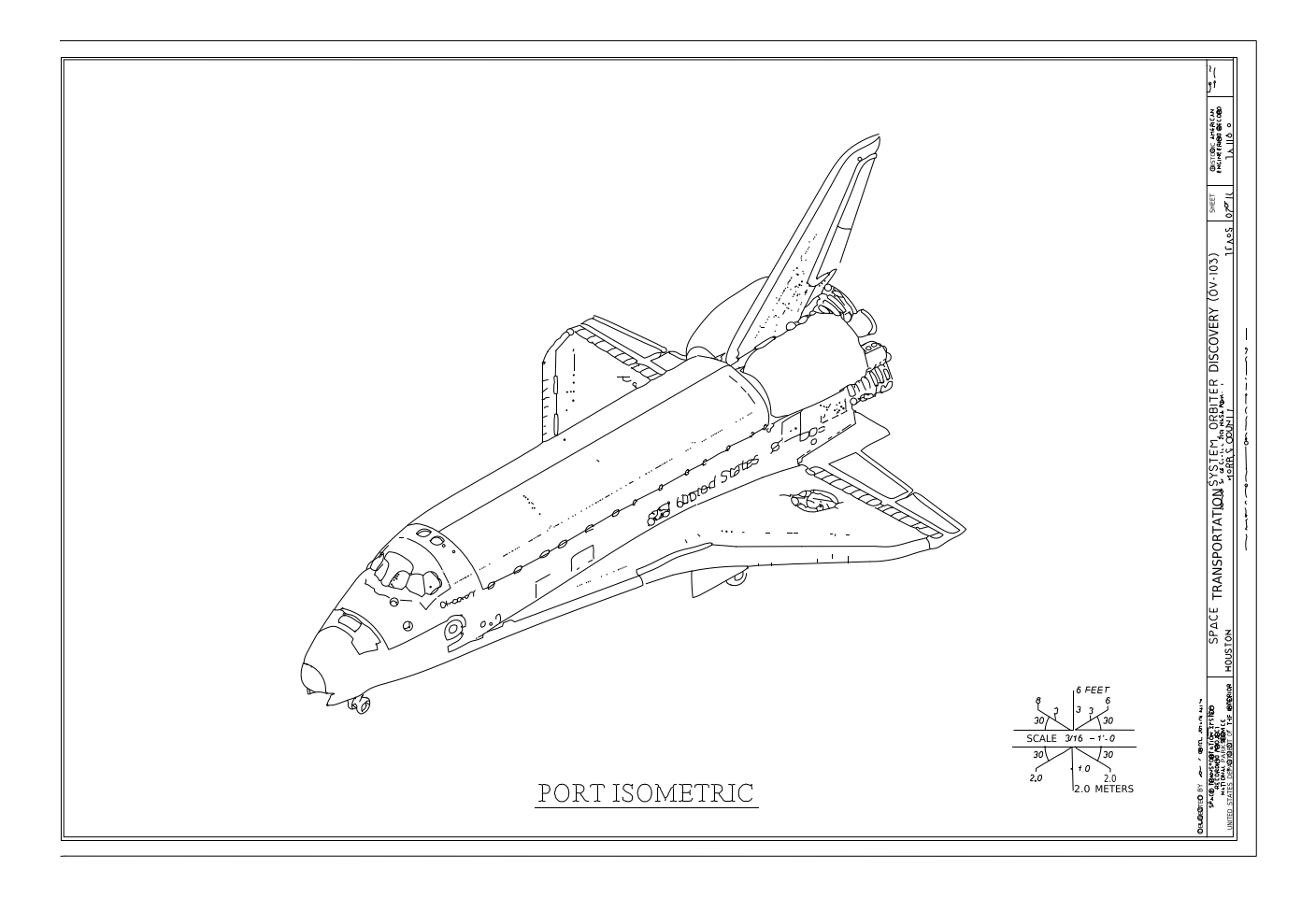 Space Shuttle orbiter Discovery: port isometric (HAER)
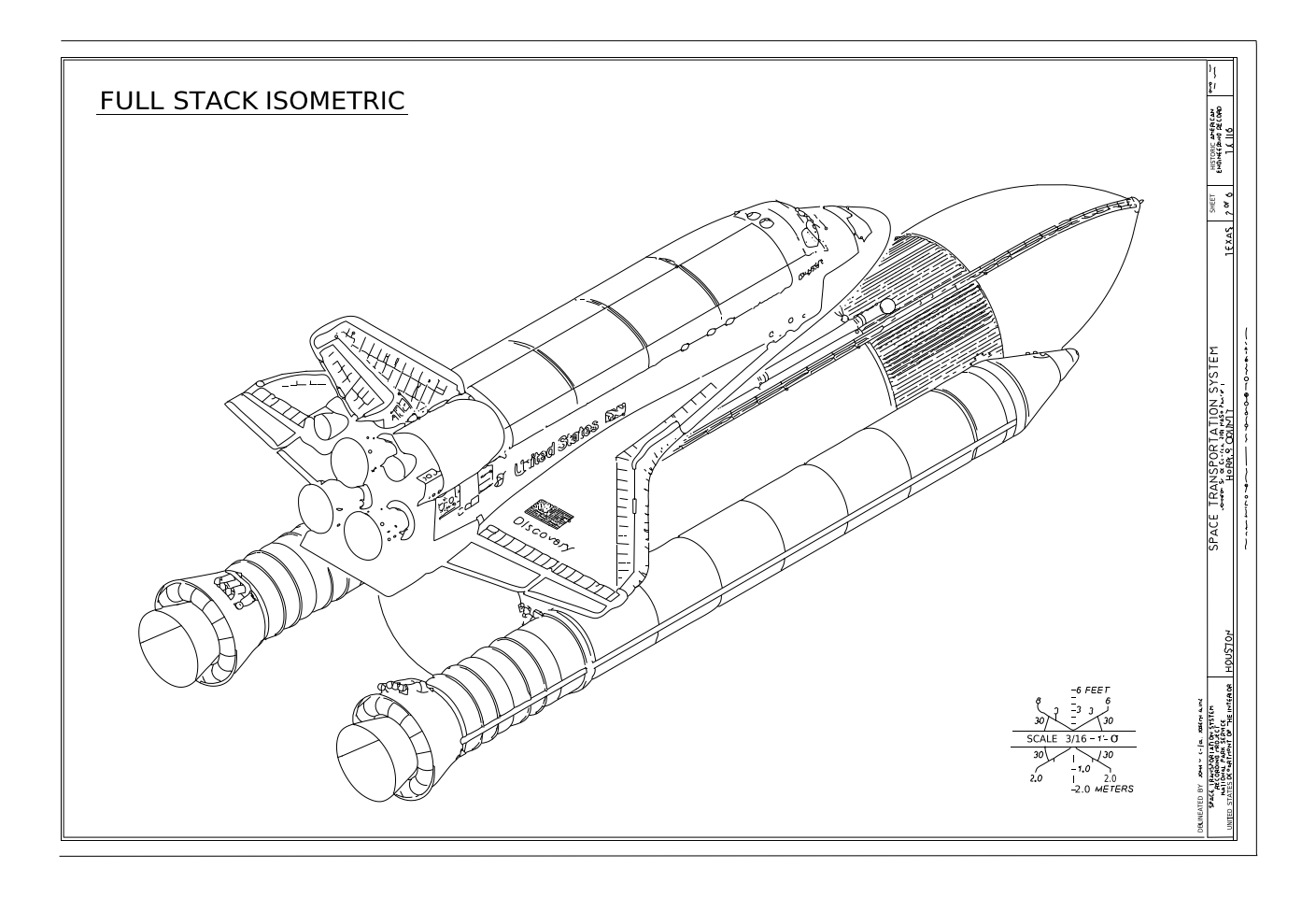 Space Shuttle full stack isometric (HAER)
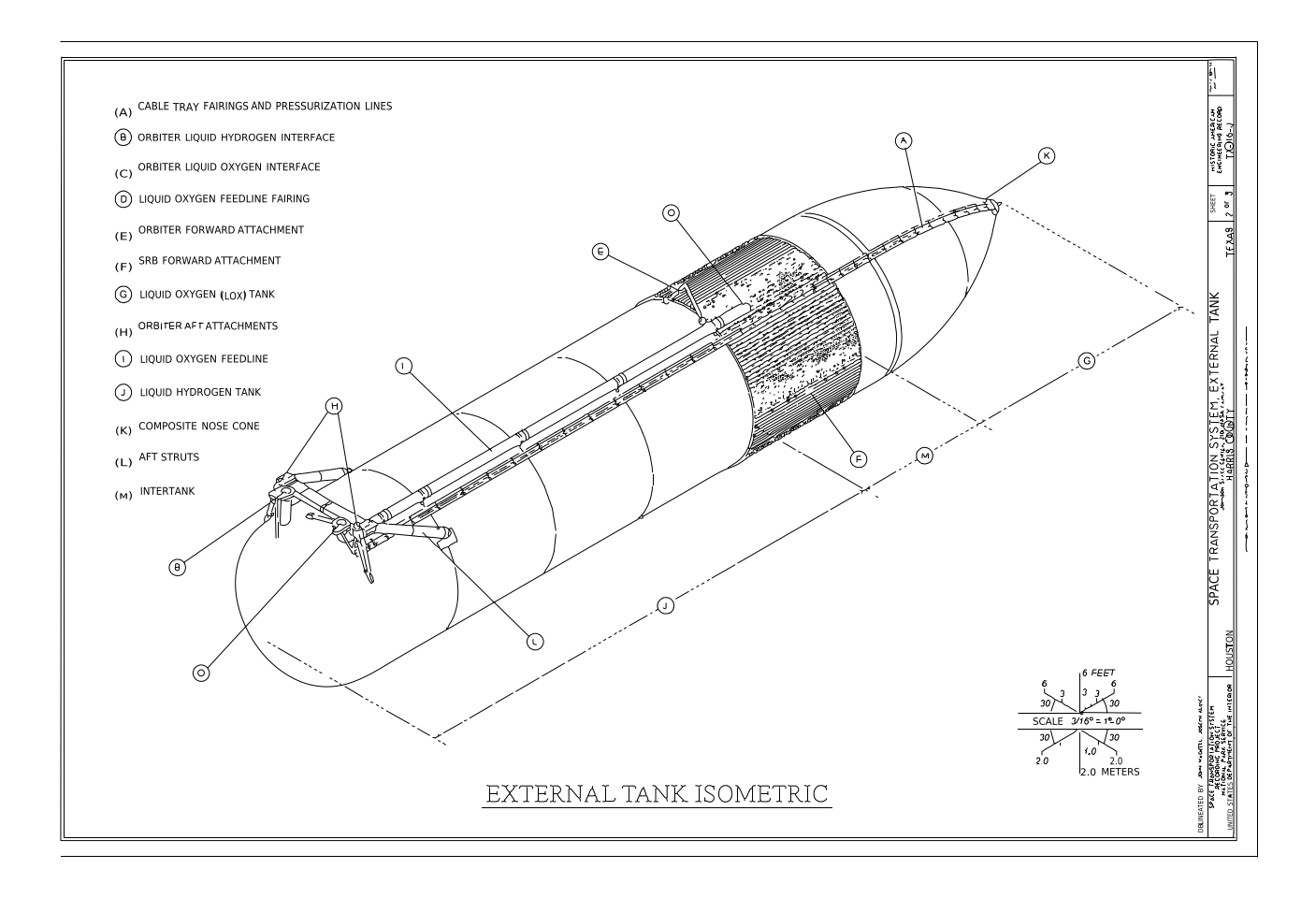 Space Shuttle external tank isometric (HAER)
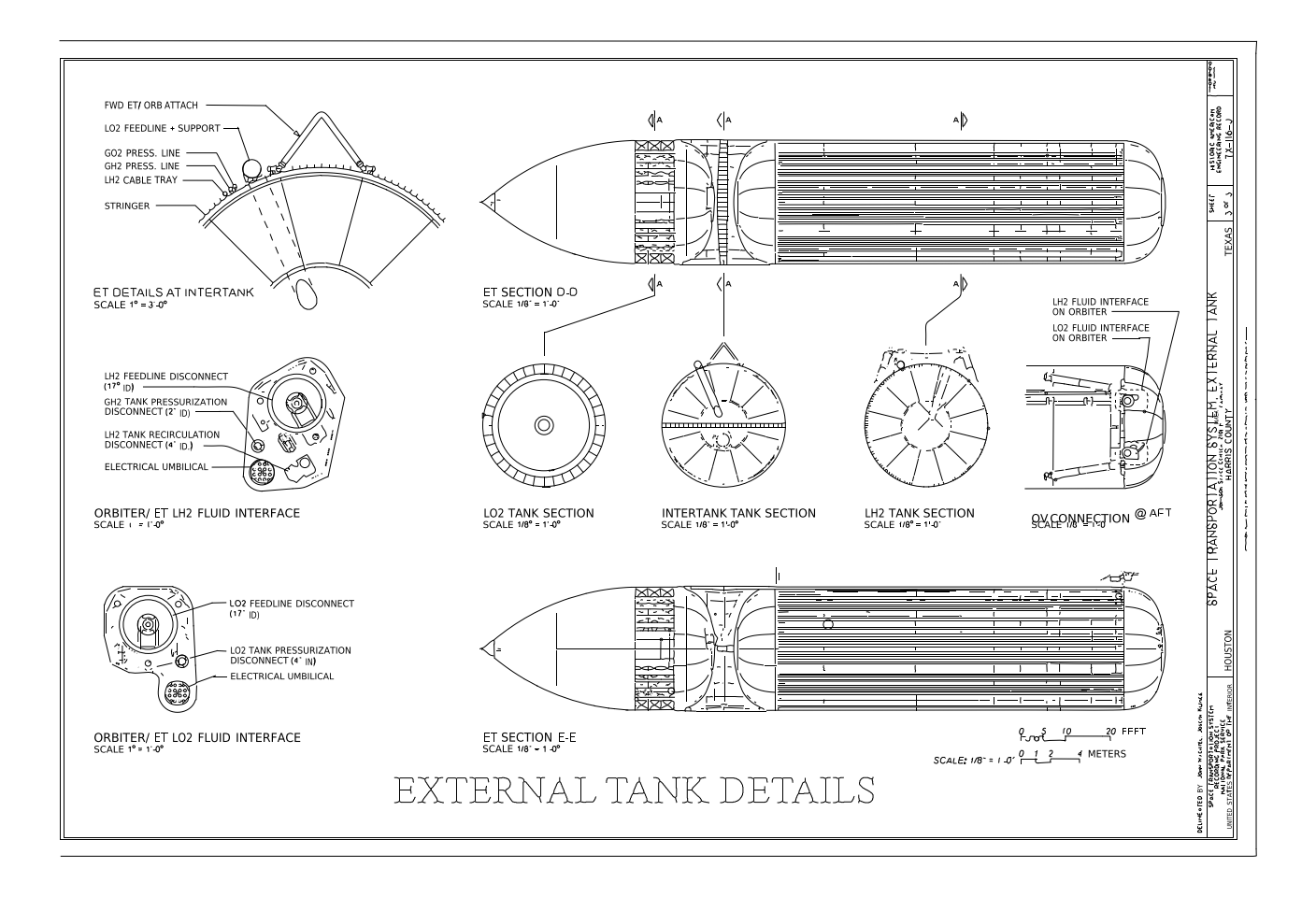 Space Shuttle external tank details (HAER)
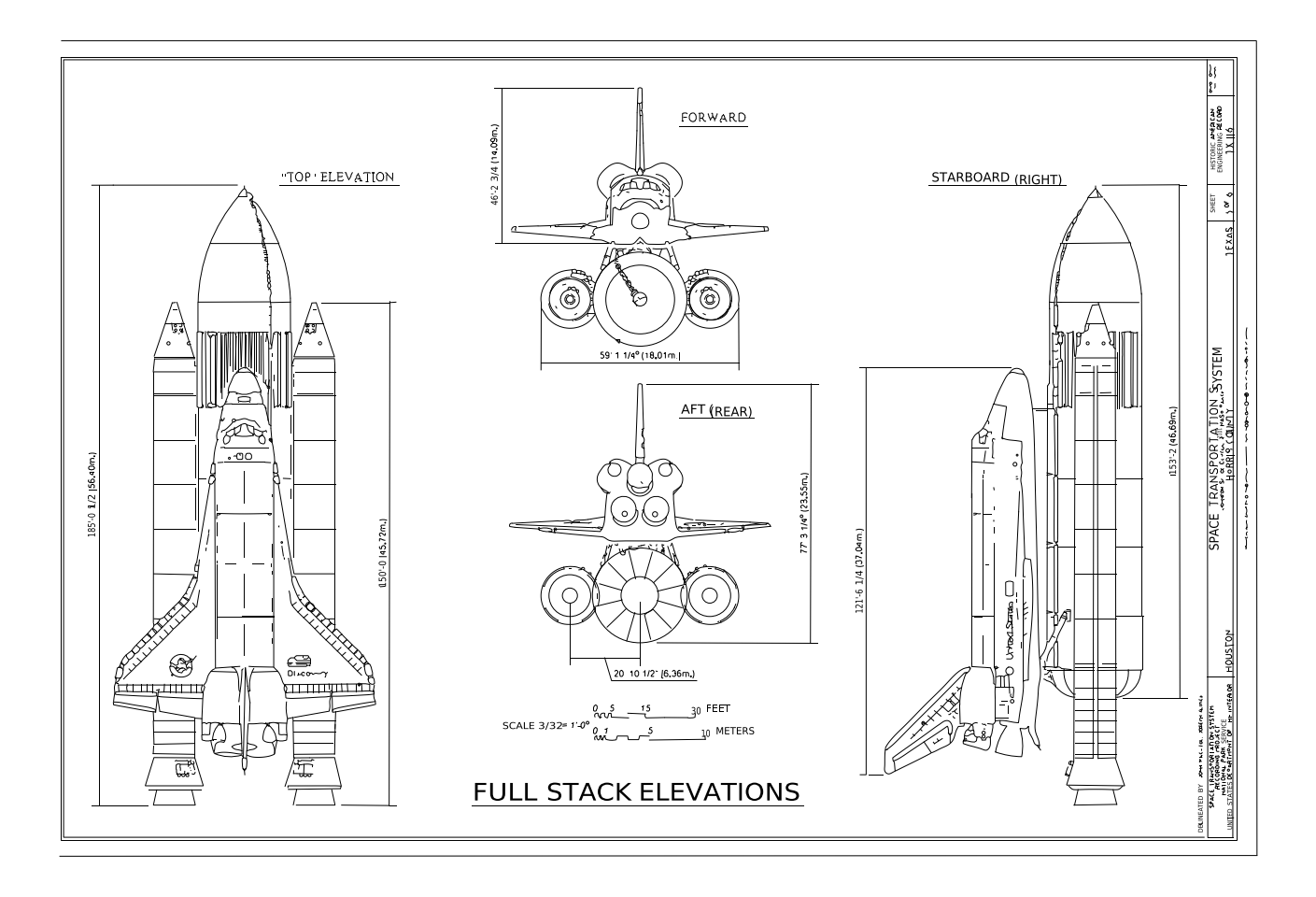 Space Shuttle full stack elevations (HAER)
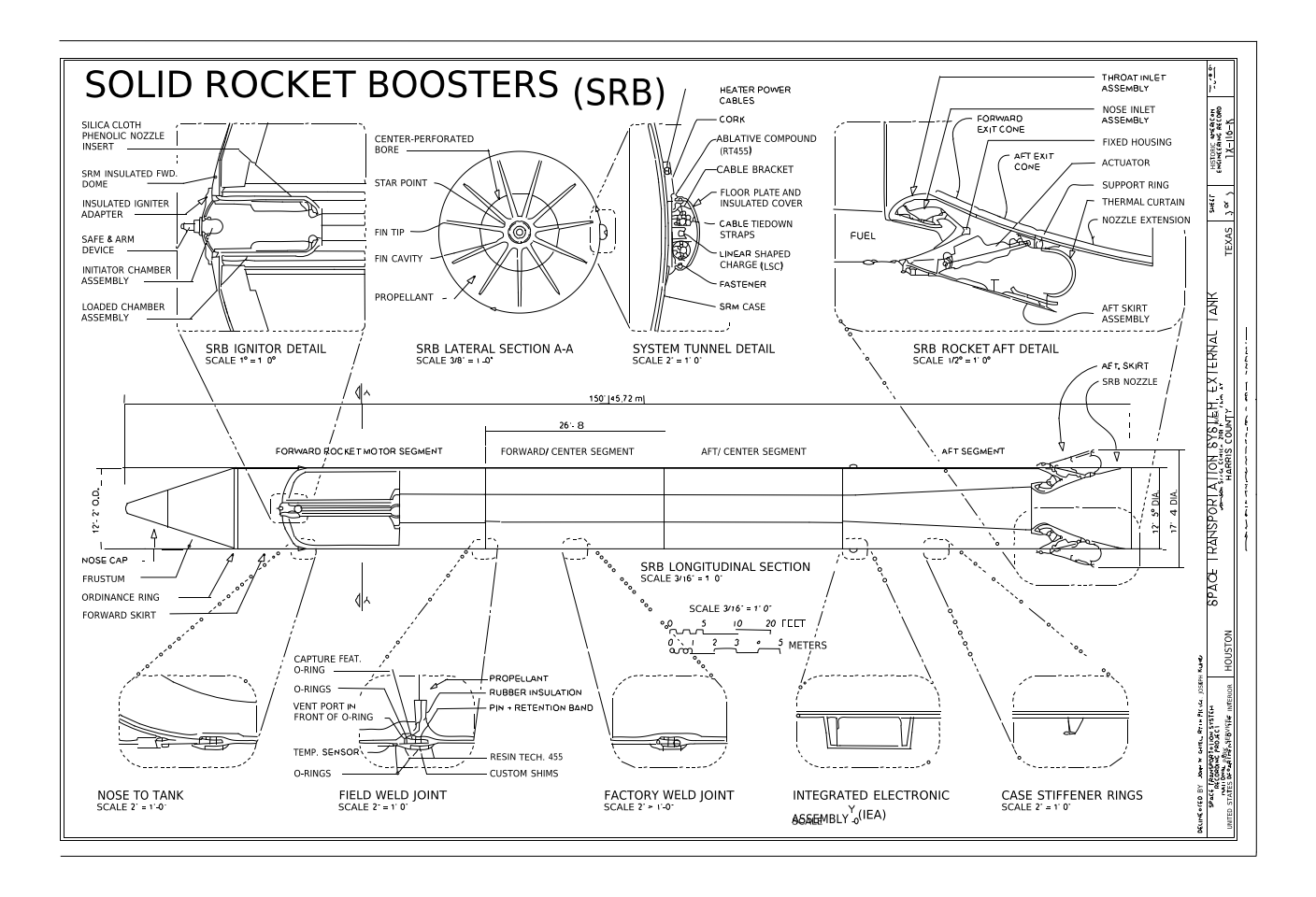 Space Shuttle solid rocket booster details and joints (HAER)
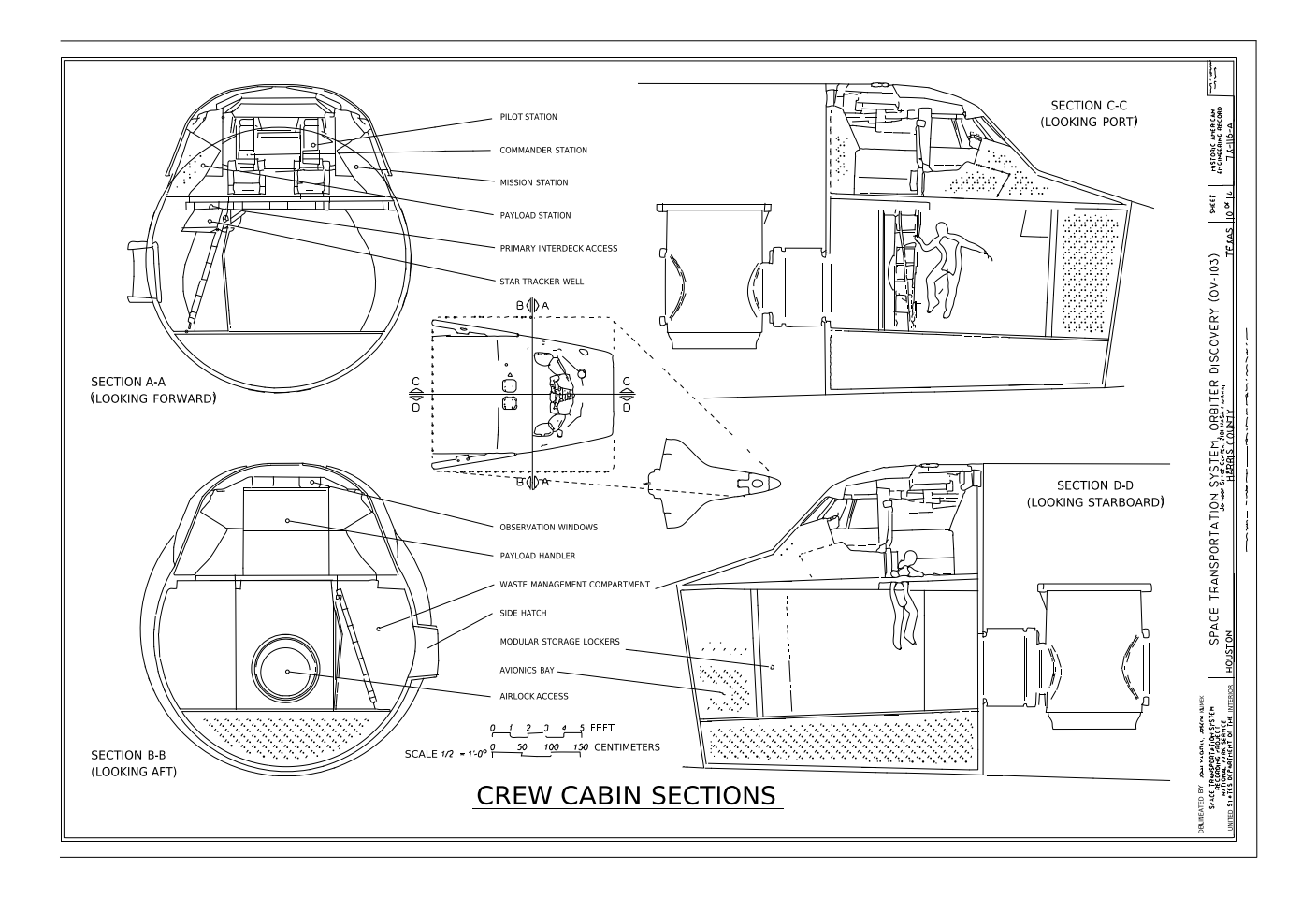 Space Shuttle Discovery crew cabin sections (HAER)